Against a job
Bills for a job's materials go on that job, so the job shows its real profit. Bills that aren't for one job, like fuel or tools, go under overheads.
Paid and unpaid
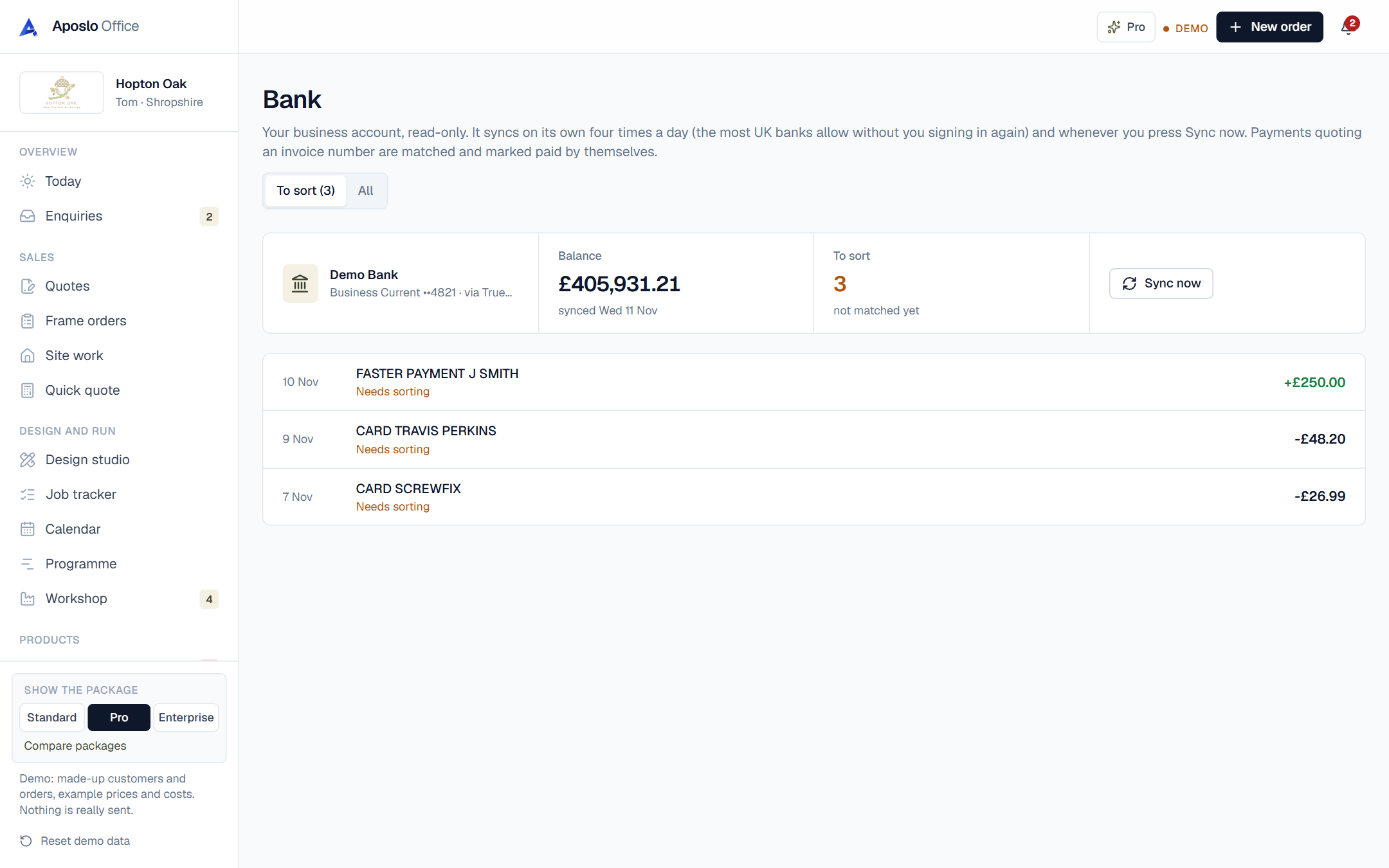
Bills you haven't paid yet are listed with the total, so you know what's going out. When the bank pays them, they're matched and marked paid.
From purchase orders
If you ordered it with a purchase order, the bill lands on the right job with one tap when it arrives.
Which trades use bills and costs most?
builders. See how the office fits your trade on its own page.
Questions about bills and costs
Does it read the bill for me?
On the full version the bill is read for you and you just check it. In the meantime you type the total and it's attached.