How do I send a quote?
Open the enquiry, add the lines from your price list (or draw the job in the design studio), check the total and press send. The quote goes as a link and a PDF, from your name, by email or WhatsApp. Your terms, deposit and how long the price is valid for are added for you, so every quote reads the same and nothing gets forgotten at ten at night.
What happens if they don't answer?
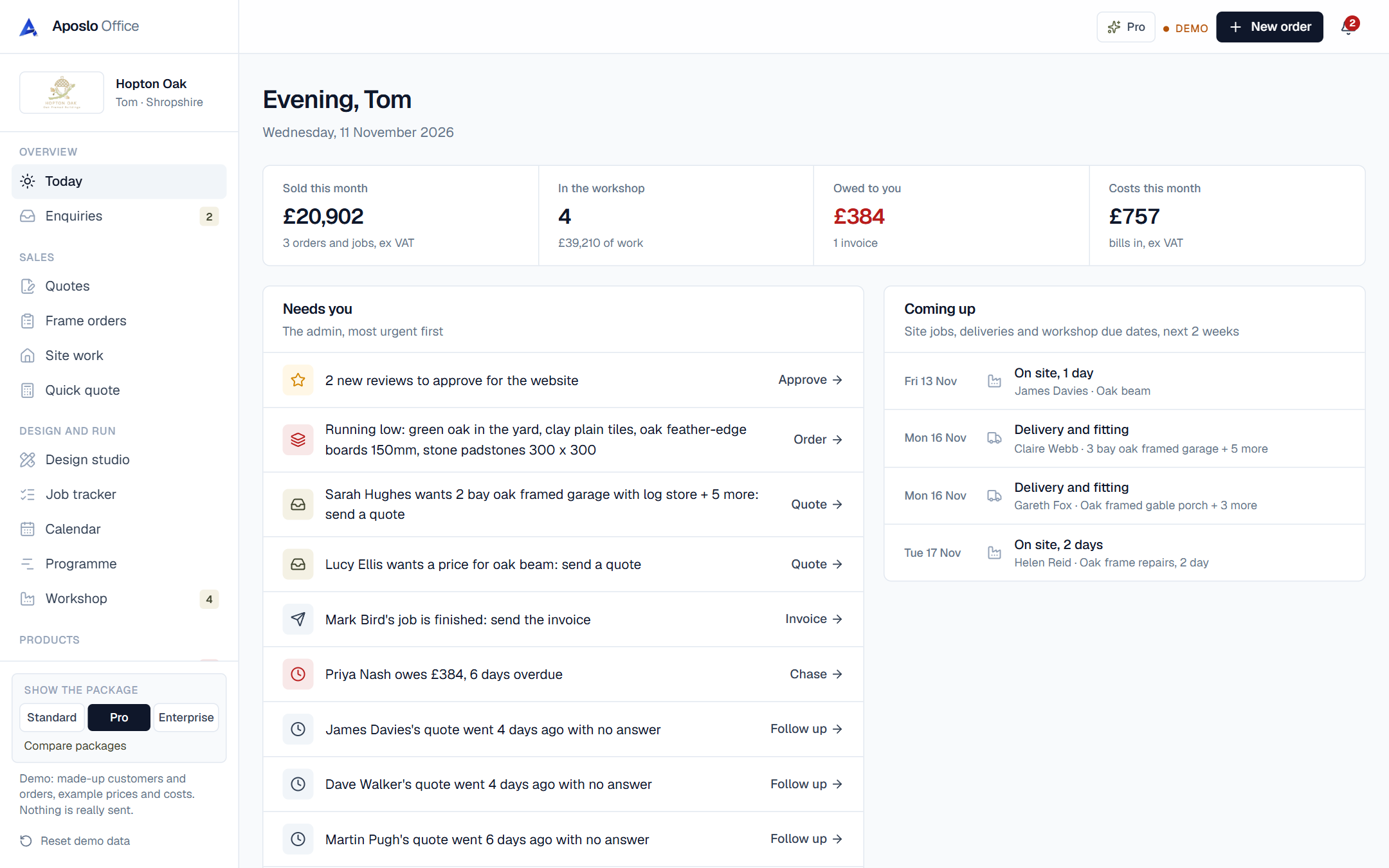
Quotes that go quiet are flagged on your Today page after a few days, with a ready-written follow-up you can send in one tap. Most work is won on the second message, not the first, and this way nobody slips through because you were busy on site.
Can customers accept online?
Yes. Every quote has a page where the customer reads it, signs it on their phone and accepts it. You get a notification, the quote is marked accepted, and the deposit invoice is ready to send. See online signing for how the signature is kept.
Does it work out my margin?
On Pro, every line has a cost behind it: materials from your supplier prices and labour from your hours. So you see the profit on a quote before you send it, not three months later when the accountant asks.
Which trades use quotes most?
joiners and carpenters, electricians and plumbing and heating engineers. See how the office fits your trade on its own page.
Questions about quotes
Can I use my own prices?
Yes. You set your own price list and rates once, and every quote uses them. Change a price and new quotes use it straight away; quotes you've already sent keep the price they went out at.
Can I send quotes from my phone?
Yes. The whole office works on a phone, tablet or laptop, so you can quote from the van straight after a site visit.
Do quotes have my logo on them?
Yes. Your logo, colours, business details and terms go on every quote, invoice and message.